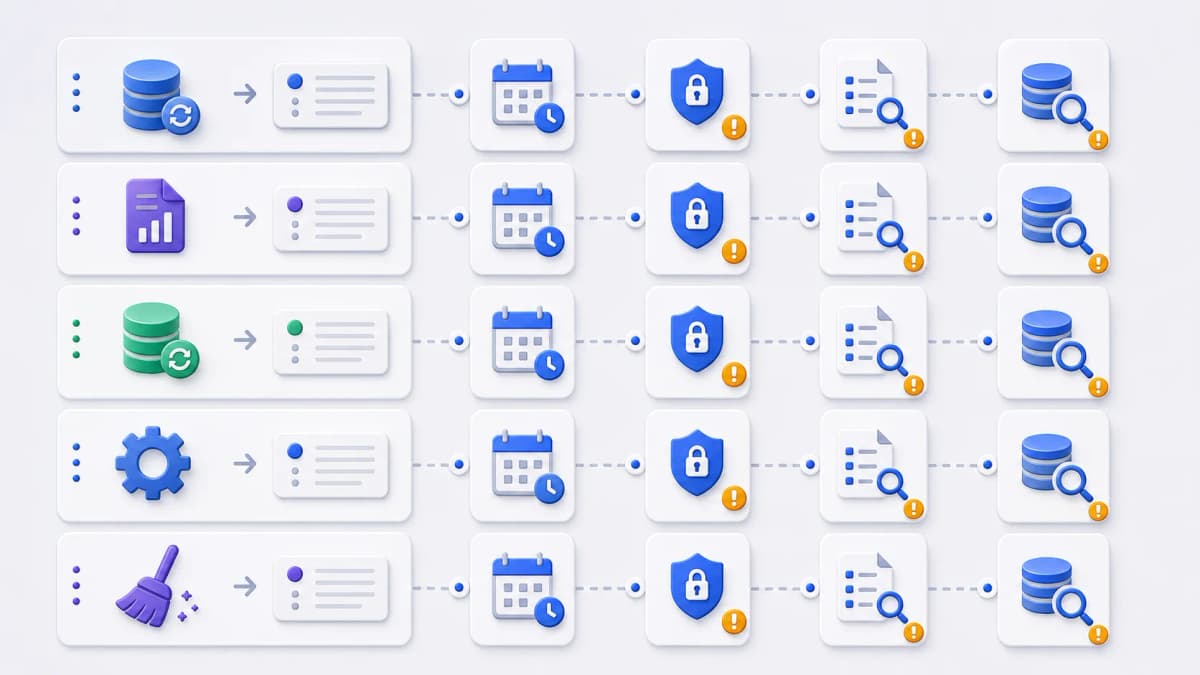
Web CRON fits when a recurring operation can be represented as an HTTP endpoint call. If the work already lives behind a URL, or can be moved there safely, a hosted scheduler can run it on a clock. This page maps the common scenarios to the questions that decide each one: how often the task should run, how the endpoint is protected, how a failure becomes visible, and what it costs. Use it to see which Web CRON use cases match your work and which feature page answers your next question.
Whether you searched for serverless CRON use cases or remote cron job examples, the mapping is the same, and every scenario here assumes the endpoint already exists or is one you can add safely. Public evidence supports the building blocks these patterns rely on: HTTP-triggered tasks, Linux-CRON-like scheduling, Basic authentication, retry before an alert, logs and the latest response, and pause and resume. [ostr.io/info/web-cron, accessed ] Confirm each against the official source before you rely on it.
Common scheduled HTTP task patterns at a glance:
- Cache refresh — keep cached data reasonably current.
- Report generation — trigger scheduled reports for staff workflows.
- Data synchronization — pull or push data between systems on a schedule.
- Webhook-style maintenance — call a maintenance route on a timer.
- Monitoring or cleanup — run health checks or clear expired records.
What a good fit looks like
A scheduled HTTP call is the right tool when the task has a clear shape. The strong candidates share a few traits: an endpoint that exists or can be added safely, work that tolerates being triggered on a schedule, an operation that is idempotent or retry-safe, explicit authentication, a response that helps triage without leaking secrets, a known failure owner with an escalation path, and a frequency and cost you can estimate.
The mirror image is just as useful. If a task needs durable job orchestration, a scheduled HTTP call should not stand in for queue architecture. It can start the job, but the heavy lifting stays in your system. Hold each use case below against that line.
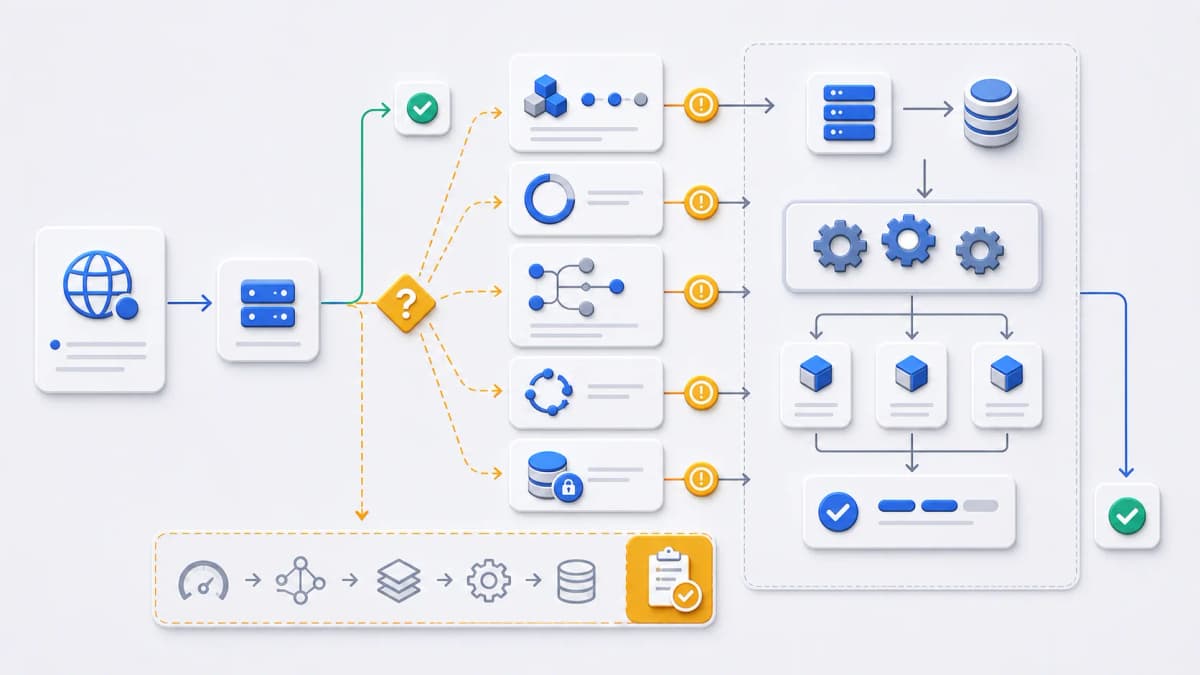
Cache refresh
Scheduled calls suit cache refresh work when stale data has a known tolerance and the endpoint refreshes a bounded scope. The schedule question is how stale the cached data is allowed to get. The authentication question is whether only the scheduler should be able to call the refresh route. The failure question is whether the response shows which cache segment failed rather than reporting a flat success. For the request mechanics see HTTP task calls, for protecting the route see Basic Auth, and for what you can inspect after a run see execution control.
One question decides how much of this is even your problem: whichcache is being refreshed. If it is an application cache your code owns — a query result, a computed aggregate, a rendered fragment in Redis — a scheduled call is a clean fit, and the paragraph above is the whole picture. If what actually goes stale is a copy held at a CDN edge, the scheduler can only ask your origin to rebuild; whether the edge then serves the new version depends on that platform’s invalidation rules, not on your cron expression. Sorting out which of the two you have prevents the most common disappointment here: a refresh job that runs perfectly on schedule while visitors keep getting the old page.
For the second case the control you need lives in the delivery layer — cache rules, purge behavior, and origin shielding. Bridge CDN, from the same company that operates this site, is being built around that layer; it has not launched, so there is nothing to evaluate against a source yet, so no behavior is claimed for it here and it carries no citation.
Report generation
A scheduled endpoint can trigger report generation when the application owns the actual report job and the endpoint starts a bounded, observable process. Decide when the underlying data should be finalized so the schedule lines up with it, who is allowed to trigger generation by schedule or by hand, and where a report failure surfaces beyond the latest response body. The cron scheduling model covers the timing, and failure alerts covers the verified retry-before-alert behavior when a run cannot complete.
Data synchronization
Scheduled sync endpoints work when the sync is incremental, retry-safe, and able to report partial failure clearly. Three questions are worth settling: how often the external data actually needs syncing, how the scheduler’s credentials stay separate from your API credentials, and what happens when a single upstream dependency fails midway. Keep the credential for the sync scoped to the sync, not borrowed from a broader integration. Basic Auth covers that part, and pricing examples helps you estimate cost once you know the frequency.
Webhook-style maintenance
Maintenance endpoints can clean expired records, rotate derived data, or start housekeeping when the scope is controlled and the owner can pause execution during a maintenance window. Decide whether the job runs daily, weekly, or only after business hours, whether the endpoint rejects callers that are not the scheduler, and how a skipped or partial run is reported rather than passing silently. Pause and resume keep maintenance windows clean, and getting started walks through preparing the endpoint before you put it on a schedule.
Monitoring or cleanup
If your application already exposes a safe cleanup or status-update endpoint, a hosted scheduler can be evaluated as a trigger for it. This is a trigger path, not a native monitoring integration, and nothing here implies Web CRON plugs into a monitoring stack on its own. Pick a frequency that balances freshness against cost, scope the work to a dedicated scheduled credential, and make sure the response distinguishes a clean no-op from a real failure. Failure alerts and execution control cover the visibility side once the schedule is running.
When a scheduled HTTP call is the wrong tool
Some jobs need queue semantics, worker pools, transactional orchestration, or long-running retries inside the application. In those cases a hosted scheduler may still kick off a job, but it should not be described as replacing the internal processing system. A few signals that you are past the line:
- The task regularly runs longer than a request timeout should allow.
- The work requires exactly-once semantics.
- Multiple workers have to coordinate shared state.
- Each run fans out into many dependent jobs.
- Failures need complex replay or compensation.
When two or three of those hold, the scheduler is the trigger at most, and the durable work belongs in a queue and a worker. If that points you toward a different category entirely, the alternatives overview and the sourced shortlist are the place to compare options against the same criteria.
When a use case fits
If one of these patterns matches and the endpoint is ready, the next step is preparation, then official evaluation. The getting started page collects the schedule, authentication, response, and failure decisions, and from there you can continue to Web CRON by ostr.io for current product information.