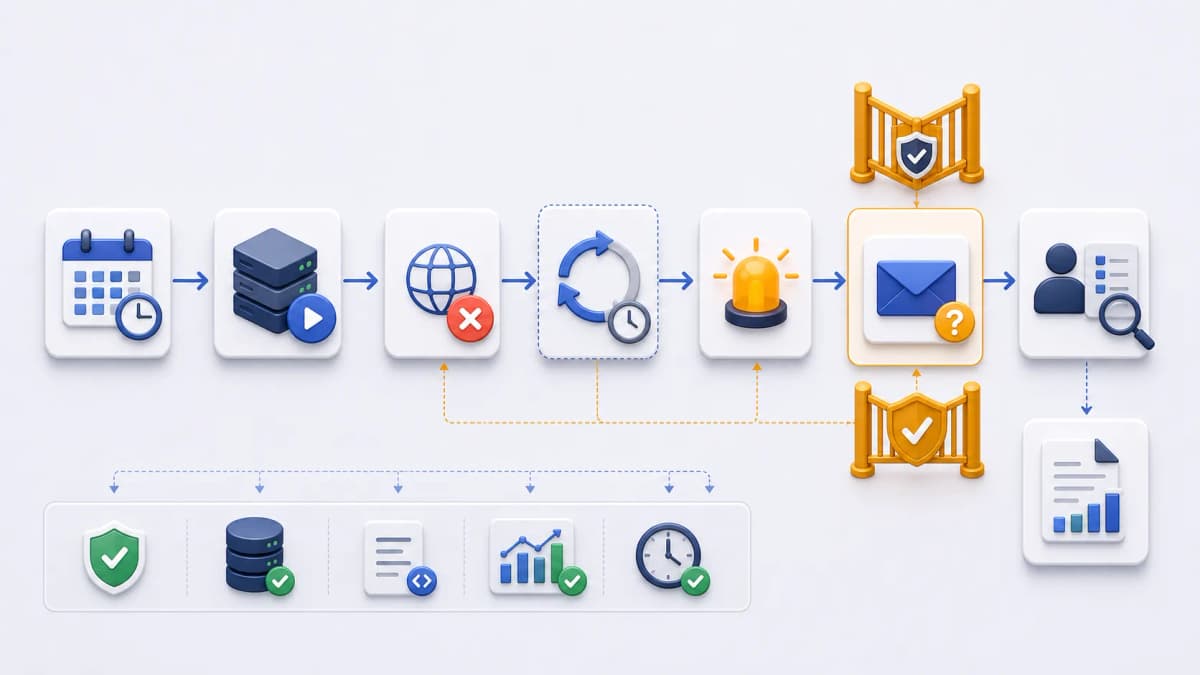
Email alerts deliver scheduled-task failure notifications to an inbox so a team can triage from email. Channel quantity and billing specifics are evaluated on the official source.
Verified failure foundation
The evidence-backed foundation is failure behavior, not email mechanics: server unavailability can trigger retry attempts before an alert, and task information includes logs and the latest response body. Build email evaluation around that verified behavior and keep channel-specific claims separate.
[ostr.io/info/web-cron, accessed ]
Not confirmed from current public documentation, so not asserted here: email recipient limits, delivery guarantees, sender identity, template control, escalation rules, and notification retention. Email quantity and billing claims are omitted from this page until product-owner validation is recorded.
Email workflow evaluation
If email is the intended notification channel, decide how the team would use it operationally: who receives failure messages, which details are safe to include, and how the recipient moves from email to application logs.
- Which team mailbox or owner should receive failure information?
- What minimum details does an email need for triage?
- Which details belong only in application logs?
- Who handles repeated failures?
- What should happen when the responsible person is unavailable?
- What validation record clears external email claims?
Relationship to Failure Alerts
The Failure Alerts page explains retry-before-alert behavior and channel boundaries. This page stays narrower: email-specific workflow planning. For current pricing and notification information, refresh and use the official sources.
Review failure alerts →Frequently asked questions
What email alert behavior is publicly verified?
What should a failure email safely contain?
Where are email quantity and billing details?
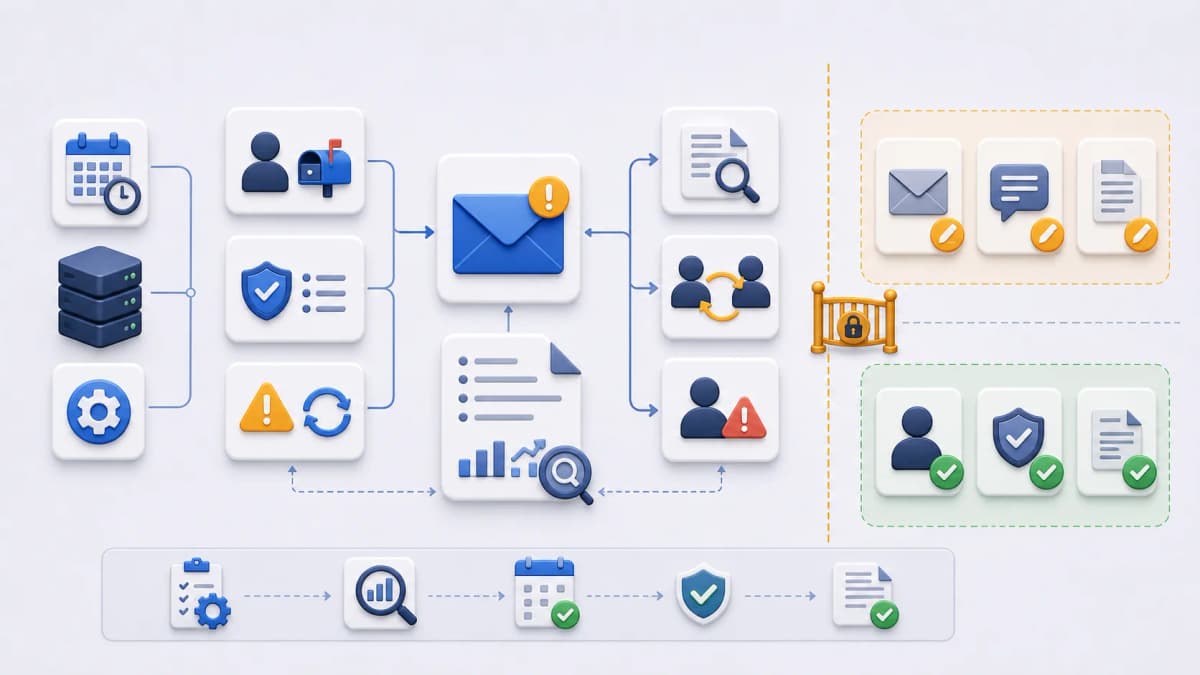
When this capability fits the task you need to run, continue to the official Web CRON by ostr.io page for current product information.