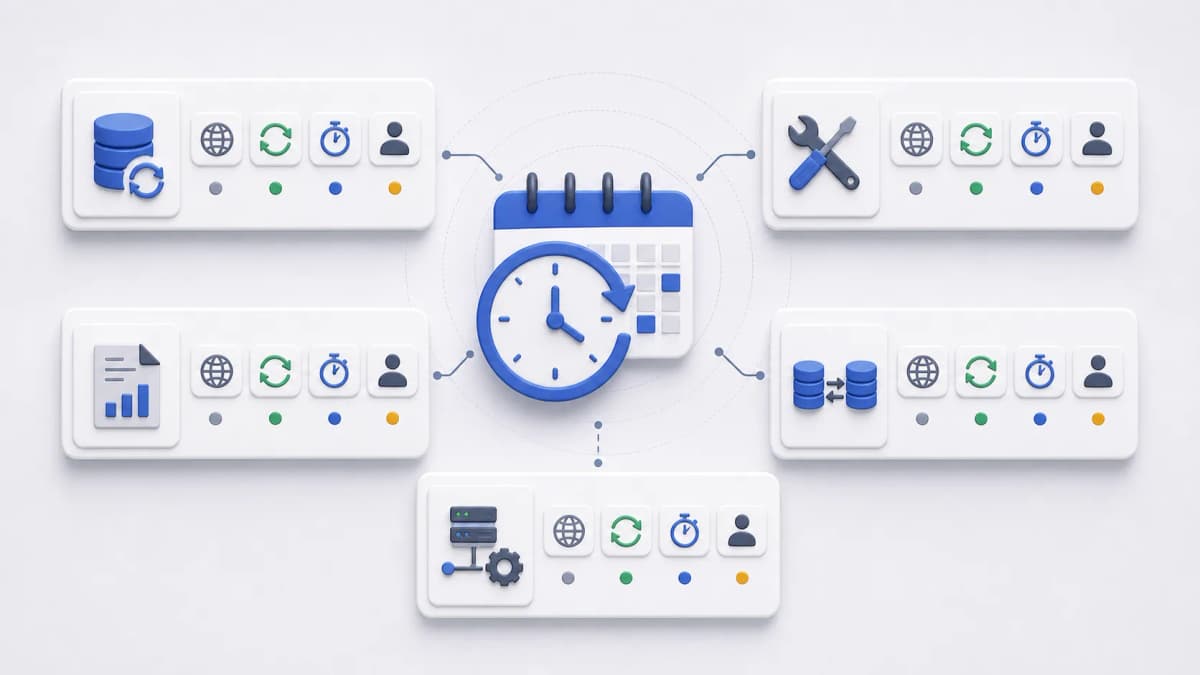
Teams that already run recurring jobs know CRON. The schedule lives in a crontab, five fields decide when a command runs, and the pattern has worked for decades. Linux-style Web CRON scheduling asks a narrower question: can that same familiar timing model drive a remote HTTP task, without needing direct access to a server’s crontab at all?
For evaluating Web CRON by ostr.io, the answer that matters is what the public evidence confirms. Web CRON uses task rules similar to classic Linux CRON, and it triggers server tasks over HTTP. [ostr.io/info/web-cron, accessed ] This page is about whether that fit is right for your task and what to settle before you commit a schedule. For the exact syntax, the CRON expression guide carries the field-by-field examples; this page stays on the decision around them.
What the schedule controls, and what it does not
A CRON-style schedule expresses recurring time rules: every hour, every weekday morning, once a day overnight. For a hosted scheduler, that schedule does one job. It decides when the remote endpoint is invoked. Everything past that point stays with your endpoint: the business logic, the permissions, the data writes, and whether the task is safe to run more than once.
That division is the whole mental model. The scheduler is a reliable alarm clock pointed at a URL. It does not know what your task does, cannot fix a task that misbehaves, and does not make an unsafe endpoint safe by calling it on time. Keeping that boundary clear is what separates a schedule that works from one that quietly causes damage.
It is worth being precise about what “similar to classic Linux CRON” does and does not promise here. The verified fact is the resemblance to the familiar model. The following details are not confirmed from public documentation and should not be assumed:
- Exact parser behavior and how edge cases resolve
- A seconds field for sub-minute scheduling
- Named presets such as
@dailyor@hourly - Built-in schedule validation in the interface
- A minimum interval or maximum frequency
- Default timezone and daylight-saving behavior
If any of these matters to your task, treat it as a question for the current official source, not as a feature this page can hand you. The familiar model gets you most of the way; the specifics belong to the product as it actually behaves today.
Matching a schedule to a purpose
The useful way to choose a schedule is to start from the purpose, not the syntax. Each common purpose carries an operational question that the schedule alone does not answer, and that question is usually where the real decision lives.
| Criterion | Reader need | Evaluation question |
|---|---|---|
| Frequent refresh | Keep cached data reasonably current | Can the endpoint run safely if a previous call is delayed or still running? |
| Daily maintenance | Clean expired records or temporary files | Which timezone defines "daily" for the business? |
| Weekday report trigger | Start report generation for staff workflows | What happens on holidays or a missed business day? |
| Periodic synchronization | Pull or push data between systems | Is the task idempotent if it is retried? |
| Low-traffic overnight job | Run heavier work outside peak hours | Does the chosen timezone match both server and customer expectations? |
Read down the right-hand column and a pattern appears: almost every schedule decision is really a question about time zones, overlap, or idempotency. Those three come up more than any syntax detail, which is why they deserve more attention than picking the expression itself.
Moving from server CRON to a hosted schedule
If you are coming from a crontab on your own server, the timing syntax will feel familiar, but a few things change in the move, and they are worth naming up front.
On a server, the scheduler and the work usually live in the same place: cron runs a script, the script runs locally, and the output lands in a log file you can read over SSH. With a hosted scheduler, those split apart. The schedule fires from somewhere else and reaches your application over HTTP, which means the task has to be exposed as an endpoint, and that endpoint has to be reachable and protected. Work that used to be a private local script becomes a callable URL, and that shift is the real substance of the migration.
A few practical consequences follow. The task now needs an HTTP entry point rather than a command line, so a job that was php cleanup.php becomes a route like /tasks/cleanup that triggers the same work. Authentication that you never needed on a local cron now matters, because the endpoint is on the network; this is where the Basic Authprotection a scheduled call can carry comes in. And visibility moves from a server log file to whatever the hosted scheduler exposes, so reviewing what happened becomes part of the tool you choose rather than a tail of a local file. None of this makes hosted scheduling harder than server CRON; it just relocates the same responsibilities to the network, which is exactly the tradeoff that makes a hosted scheduler appealing when you do not want to operate a server’s crontab yourself.
Two of those relocated responsibilities land in DNS, and they usually surface late. The first is naming: a local script needed no hostname at all, while a scheduled route needs one that resolves publicly and stays put for as long as the schedule does. The second is placement. Internal maintenance routes often live on a non-standard port, or on an application server that also answers for several other names, and neither habit survives the move cleanly — putting /tasks/cleanupon your public site’s hostname and port means it now shares an address with everything else you serve, while keeping it on its own port means the name has to route there deliberately. Which of those you pick is a design decision worth making on purpose, not a detail you discover on the first live run.
The controls for that — where a name points, which port it reaches, and which Hostheader the origin sees — belong to the DNS layer rather than the scheduler. Bridge DNS, from the same company that operates this site, is being built around them; it has not launched, so there is nothing to evaluate against a source yet, so nothing about it is claimed here. The migration point stands on its own: a job that was private and local is now a named, routable, publicly reachable thing, and that name deserves the same thought as the schedule.
The questions to settle before you schedule
Schedule syntax is one part of the decision and rarely the hard part. Before you rely on a recurring job, define the things the expression cannot capture: what time the schedule actually means, what happens when a run is missed, how much retry you can tolerate, whether the endpoint is safe to run twice, and who watches it.
- Which timezone should the schedule represent, and does the scheduler agree?
- Is daylight-saving time relevant to this business process?
- What happens if the endpoint is unavailable at the scheduled moment?
- Can the task run twice without corrupting data or double-charging anyone?
- Should the endpoint accept the call, queue the work internally, and return quickly?
- Who reviews failures, logs, and the latest response output?
Two of these deserve a closer look. Idempotency, the property that running a task twice does no more harm than running it once, is the quiet safeguard behind every schedule. Schedulers can retry, runs can overlap, and clocks can fire a job you thought you had paused; an idempotent endpoint survives all of it. The other is the return-quickly habit: an endpoint that accepts the request, hands the heavy work to a background queue, and responds fast is far easier to schedule reliably than one that does minutes of work inside a single HTTP request. Both are endpoint-design choices, and both are covered further in the HTTP task calls and execution control evaluation.
Where syntax lives, and where to go next
This page deliberately leaves the field-by-field syntax to the CRON expression guide. When you need to know what 0 8 * * 1-5 means or how the day-of-week field is numbered, that is the page to open. It also covers the common expression mistakes that pass review and fail in production, so it is worth a read before you finalize anything.
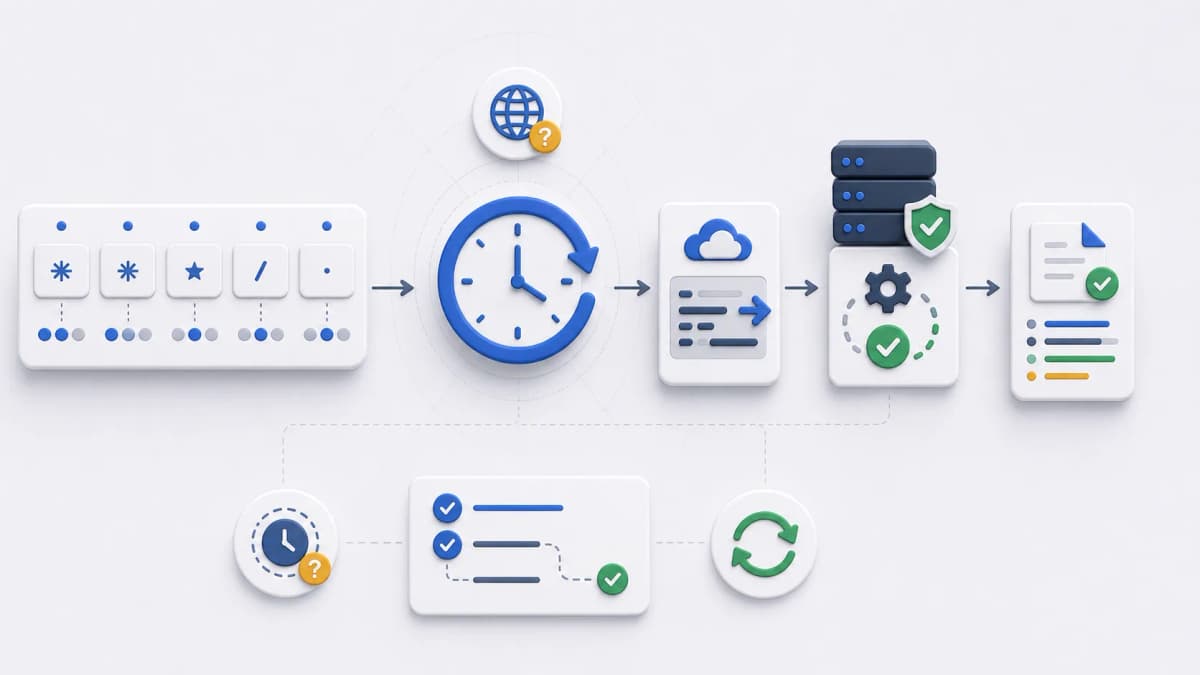
It also helps to see where scheduling sits in the larger picture. The schedule fires, the request reaches your endpoint, the task runs, and the response and logs tell you what happened; how hosted Web CRON works walks that full lifecycle if you want the surrounding context before deciding.
Once the schedule purpose, the timezone assumption, the endpoint behavior, and the failure-review path are all clear, you have what you need to evaluate the product against a real task. The getting started checklist pulls those inputs together, and the FAQ answers the recurring questions about scheduling, security, and visibility.